
The Ultimate Guide to Creating Frame Mockups Online
What Is a Frame Mockup?
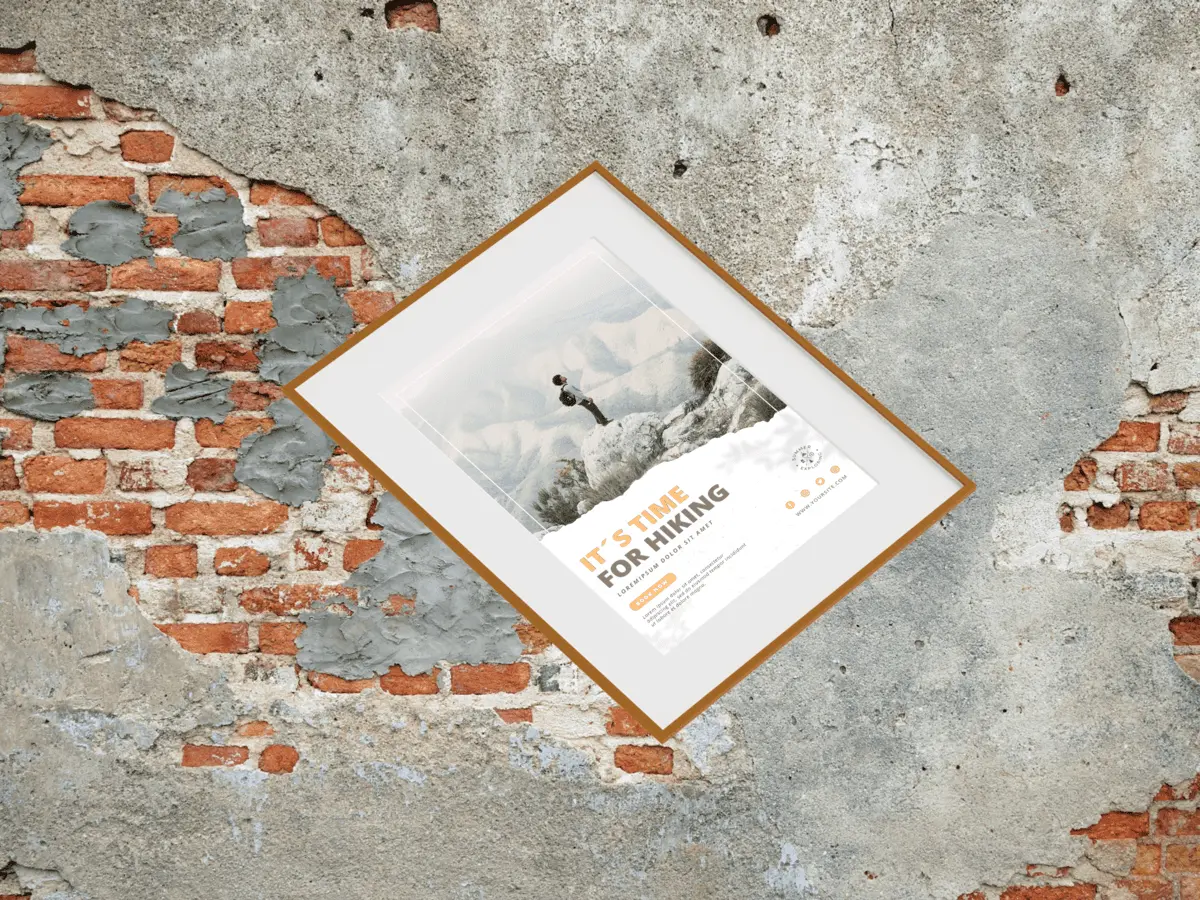
A frame mockup is a digital template that allows you to place artwork, posters, or photos inside a realistic picture frame. Designers use frame mockups to show how art will look on walls, shelves, or in interior spaces.
Instead of staging real photoshoots, a frame mockup helps visualize prints quickly and professionally. It adds context, scale, and realism to your artwork presentation.
Benefits of Using Frame Mockups
Using a frame mockup provides several advantages:
- Showing artwork in real interior environments.
- Creating professional portfolio visuals.
- Improving presentations for clients and shops.
- Saving time and cost on photography.
How to Create a Frame Mockup with Mokkify
Mokkify makes it easy to create frame mockups online without Photoshop. You can upload your artwork and instantly preview it inside different frame styles.
The entire process works in your browser, making it accessible for beginners and professionals alike.
Step-by-Step Tutorial for Frame Mockups
Follow these steps to create a frame mockup in minutes:
- Open Mokkify and choose the frame mockup category.
- Select an interior, minimal, or gallery frame template.
- Upload your artwork or poster design.
- Adjust placement and background.
- Download your finished frame mockup.
Popular Types of Frame Mockups
Different projects require different frame mockup styles:
- Interior frame mockups for home and office scenes.
- Minimal frame mockups for clean presentations.
- Gallery wall mockups for collections.
- Desk and shelf frame mockups.
Conclusion
Frame mockups help artists and designers present their work professionally. With Mokkify, you can create realistic frame mockups online for free and use them for portfolios or sales.
FAQs
Can I use frame mockups commercially?
Yes, all downloads are watermark-free.