
How to Make a Phone Mockup Online for Free
What Is a Phone Mockup?
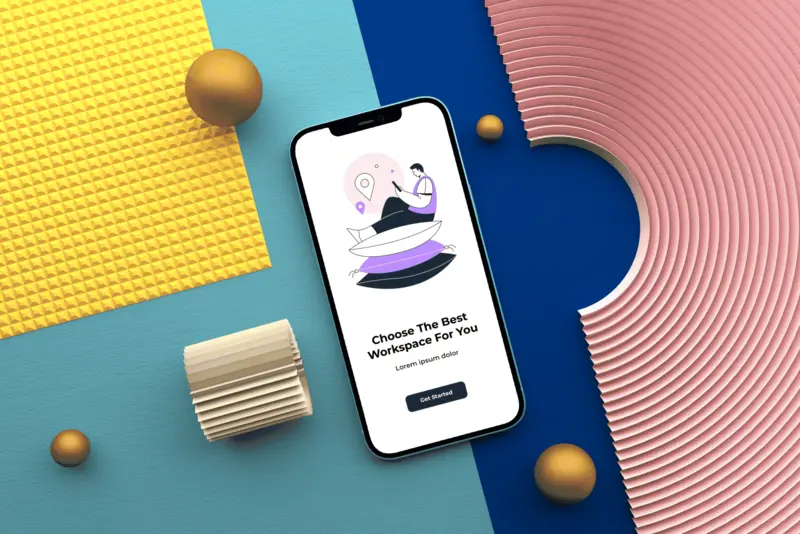
A phone mockup is a digital template that lets you place your app, website, or UI design inside a realistic smartphone frame. Designers use phone mockups to present mobile interfaces in a clean and professional way. Whether it’s an iPhone mockup or an Android device, mockups help show how a design looks in real life.
Benefits of Using Phone Mockups
Using a phone mockup makes your mobile designs more appealing and easier to understand. Key benefits include:
- Presenting mobile apps and websites in a real-device context.
- Improving portfolios, landing pages, and marketing visuals.
- Saving time compared to creating custom device visuals.
- Using free phone mockups without design software.
How to Make a Phone Mockup in Mokkify
Mokkify allows you to create phone mockups online in just a few minutes. No Photoshop or advanced skills are required — everything works directly in your browser.
Step-by-Step Guide to Creating a Phone Mockup
Follow these simple steps to create a phone mockup with Mokkify:
- Open Mokkify and go to the phone mockup category.
- Choose a template, such as an iPhone mockup or Android phone mockup.
- Upload your app screen, mobile website, or UI design.
- Adjust positioning, scale, and background if needed.
- Download your phone mockup instantly, ready to use.
Common Types of Phone Mockups
Phone mockups come in different styles depending on your project goals:
- iPhone mockup – perfect for showcasing iOS apps and premium designs.
- Android phone mockup – ideal for Google Play and Android UI presentations.
- Mobile app mockup – focused on app interfaces and user flows.
- Mobile website mockup – great for responsive web design previews.
Tips for Better Phone Mockup Designs
To make your phone mockups look more professional, keep these tips in mind:
- Use high-resolution screenshots for sharp results.
- Choose backgrounds that don’t distract from the screen content.
- Keep UI clean and readable inside the phone frame.
- Match the device style to your target audience.
Why Choose Mokkify for Phone Mockups
Mokkify is built for speed, simplicity, and quality. You can create phone mockups online for free, without watermarks, and use them for portfolios, client projects, or marketing materials. It’s an ideal solution for designers, developers, and startups.
FAQs
Is Mokkify free to use?
Yes, you can create free phone mockups online without paying.
Can I use phone mockups for commercial projects?
Yes, all downloaded mockups are watermark-free and ready for commercial use.
What phone devices are supported?
You can create iPhone mockups, Android phone mockups, and other mobile styles.